
- ERP & POS Software
Run Your Entire Business From One Connected System.
Bring sales, inventory, purchasing, accounts, customers and business reporting into one ERP and POS platform built for everyday operations.
From a single counter to multiple branches, keep important business activity connected so your team can work with clearer data and better control.
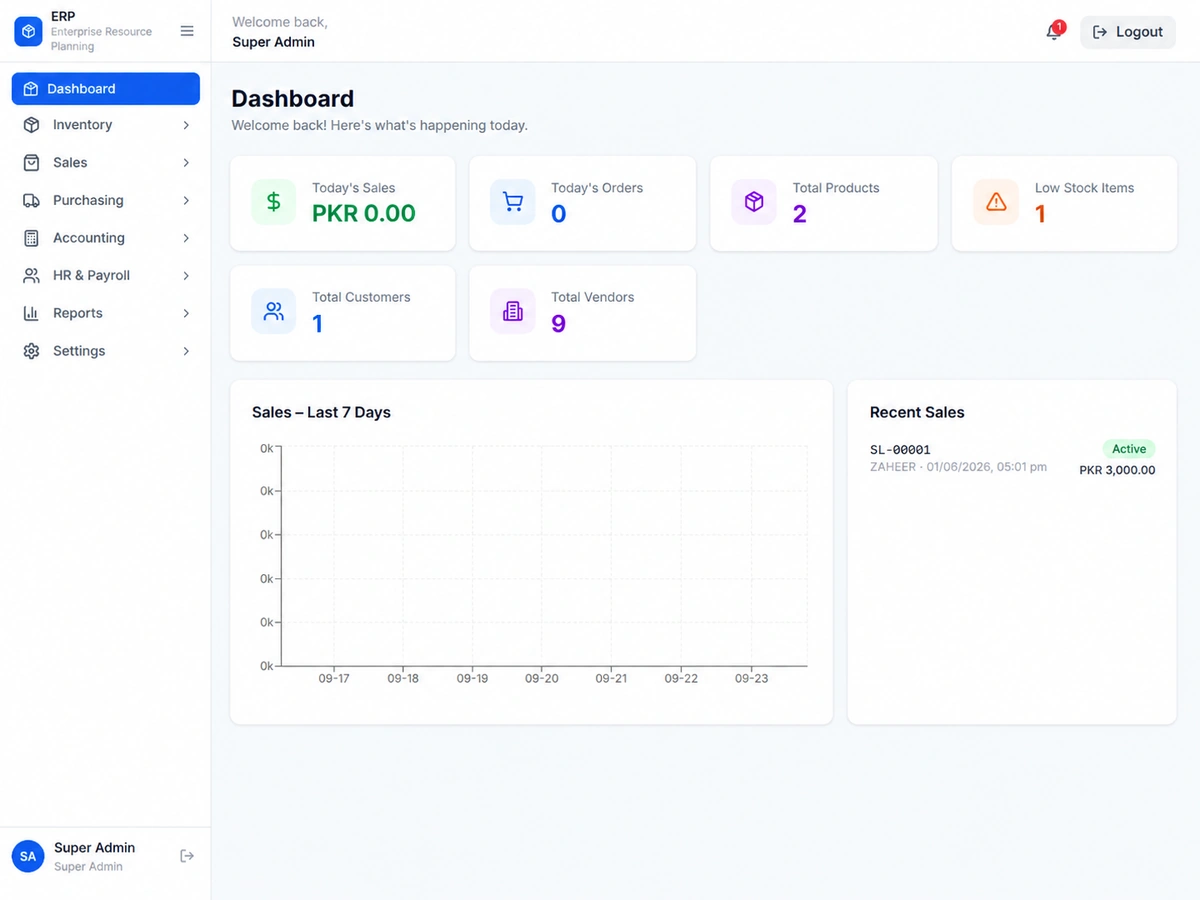
Turn Separate Business Tasks Into One Connected Workflow.
ERP software brings core business operations into one system, while POS manages day-to-day sales at the counter. Together, they give your team a connected view from sale to stock to accounts.
Disconnected Operations
Separate sales records, spreadsheets, stock updates and accounting entries make it harder to understand the business as a whole.
Connected ERP + POS
Sales update inventory, customer activity stays recorded and management reporting draws from the same operational data.
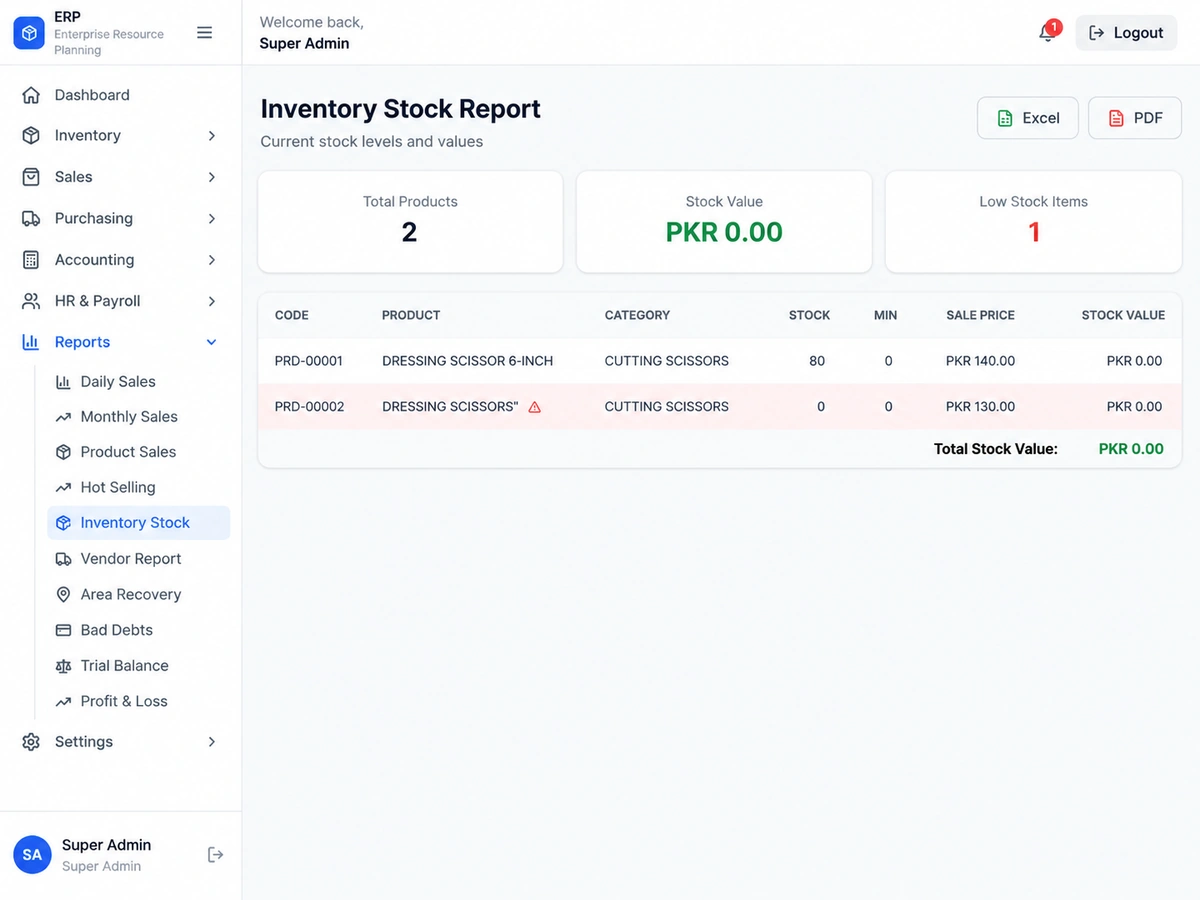
Know What You Have, What Is Moving, and What Needs Attention.
Give inventory its own visual spotlight instead of hiding it inside a generic module grid.
Stock visibility
Purchase connection
Multi-location stock
Product activity
Manage Multiple Locations Without Running Separate Systems.
The branch section is designed like a management directory rather than a dashboard or graph.
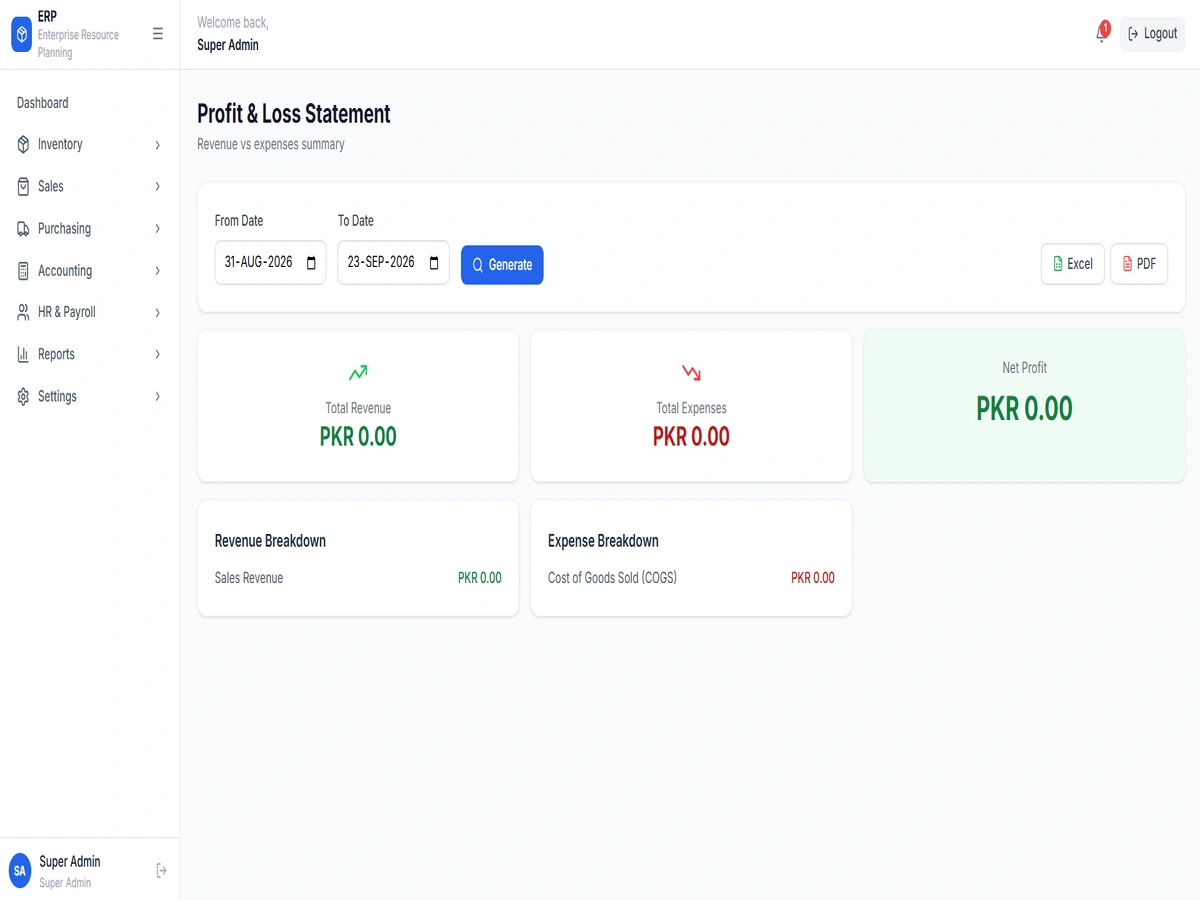
Use centralized information to understand what is happening across stores, outlets or business locations.
- Our Process
From Business Setup to Daily Use in Four Clear Stages.
A cleaner four-step layout keeps the implementation process concise.
Understand & Plan
Review products, sales, stock, branches, users and current operational workflows.
Configure & Prepare
Set up required modules, users, products, customers and business structure.
Test & Train
Validate everyday workflows and train the people who will use the system.
Launch & Support
Move the configured system into daily use with ongoing technical support.
- FAQs
ERP & POS Software FAQs
POS focuses on sales transactions at the point of sale, while ERP connects wider functions such as inventory, purchasing, accounts, customers, branches and reporting.
Yes. The system can be configured for multi-branch operations where that matches the business structure and implementation requirements.
The implementation can include user setup, workflow testing, training and ongoing technical support according to the agreed project scope.
Ready to Take Better Control of Your Business?
Tell us how you currently manage sales, inventory, purchasing, accounts and branches. We can help plan an ERP and POS setup around the way your business operates.